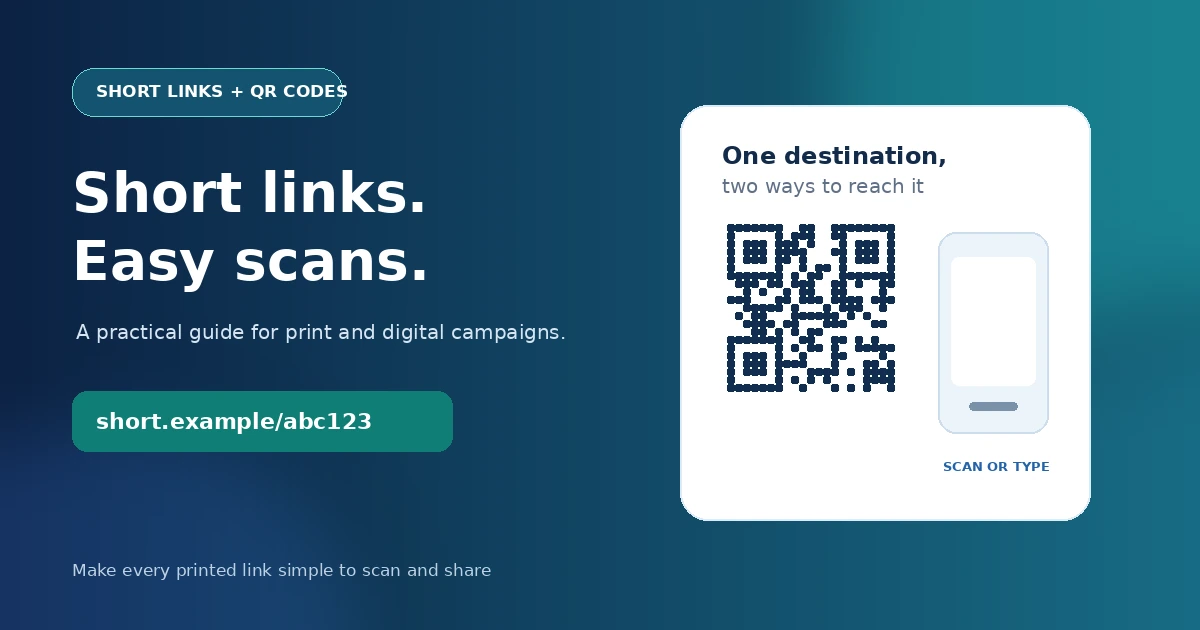
Turn a long URL into a compact link and QR code in one step.
Shorten your link at KWY.uk →
Introduction
A URL shortener with QR code turns a long destination into a compact link that is easier to share on a screen or print next to a scannable code. That is useful when a customer has to type a URL from a flyer, open a menu from a table, or reach a campaign page from a poster. This 2026 guide explains how short links and QR codes work together, what to check before choosing a tool, and how to create one with KWY.uk.
The key idea is simple: a QR code does not replace the destination page. It stores a URL that a phone can read. A short link makes that stored address more compact, which can help create a less dense QR pattern and gives you a memorable link to share beside the code.
URL Shortener with QR Code: What It Does
A URL shortener with QR code creates a compact redirecting address and a QR code that points to that address. Someone scans the code or opens the short link; the short-link service redirects the browser to the original page. The destination can be a product page, registration form, online menu, event page, document, or other public URL.
For example, a long campaign address may contain a page path and tracking parameters that are difficult to print neatly. A short link such as short.example/abc123 is easier to place on a card, while its QR code lets a phone open the same destination without typing. On KWY.uk, each shortened link is paired with a QR image that can be downloaded as a PNG or shared from a phone.
A QR code is a two-dimensional barcode that stores data in a pattern of dark and light modules. The official QR Code information from DENSO WAVE explains the code’s origin and basic characteristics. When a QR code stores a shorter URL, the pattern can often be less dense than one encoding a very long address, which may help when the code has to be printed small. Always test the printed result at its intended size.
Why Use a Short Link and QR Code Together?
Using both formats gives people two ways to reach the same page: scan the code or type the short address. This combination is useful when a campaign appears in both print and digital settings. A compact short link is easier to read aloud, paste into a message, or include beneath a QR code as a fallback.
| Format | Best use | Strength | What to check |
|---|---|---|---|
| Long destination URL | Email text or a page where the full destination is useful | The address shows its destination structure directly | Long paths and tracking parameters can look untidy and are difficult to type. |
| Short link | Social posts, messages, presentations, and printed copy | Compact, easier to share, and can route through a redirect | Readers cannot see the full destination at a glance, so label the link clearly. |
| QR code | Posters, menus, packaging, cards, and signs | Lets a phone open a URL without manual typing | Test scan reliability, print contrast, quiet space, and the final destination. |
| Short link plus QR code | Campaigns that need both printed and digital access | One destination can be reached by scan or by typing | Keep the redirect active and make sure the landing page works on mobile. |
For a small business, a link shortener and QR code generator can reduce friction between an offline touchpoint and an online action. A restaurant can place a code beside a menu; a tradesperson can add one to a business card; an event organizer can put one on a sign-up sheet. The link is short enough to print as a fallback if a visitor cannot scan the code.
Where a Short Link QR Code Generator Helps
A short link QR code generator is useful when people need to move from a physical item to a specific online page. Decide the destination first because the code directs people to that address.
| Use case | Destination example | Practical tip |
|---|---|---|
| Business card | Contact page, portfolio, or booking form | Put the short link under the QR code so people can type it if scanning fails. |
| Flyer or poster | Event details, registration form, or campaign page | Use a clear call to action beside the code and test the print at viewing distance. |
| Restaurant or product packaging | Menu, instructions, product details, or support page | Use a mobile-friendly destination and test the redirect before printing. |
| Social profile or video description | Landing page or campaign destination | Keep the visible short link readable; use campaign tags when attribution matters. |
| Workshop or conference | Agenda, slides, feedback form, or follow-up resource | Generate the code from the final destination and scan it on more than one phone. |
The phrases people use vary by task. Someone may search for a short link QR code generator when they already know they need a code, or for a URL shortener and QR code generator when they want one tool to perform both actions. These are close variants of the same tool intent: create a short address, generate a code, and share the result.
If you also need ideas for a memorable web address, NHostn has an older domain-name ideas article. Treat those examples as inspiration rather than a current availability list; domains and prices change, so verify them before use.
How to Create a Short Link and QR Code with KWY
With KWY.uk, you can create a short address and its QR image in one workflow. Its homepage says no account is required and describes a downloadable QR code for each shortened link.
Choose the exact destination
Open the page you want people to visit, not just the website homepage. Check the URL, page title, and mobile layout. If this is a campaign link, add approved tracking parameters before shortening it.
Paste the long URL
Visit KWY.uk, paste the destination into the URL field, and choose the shorten action. Use a complete address that begins with https://.
Copy and test the short link
Open the generated link in a new browser tab. Confirm that it redirects to the intended page, loads securely, and preserves any campaign parameters that you added.
Download or share the QR image
Save the QR code for your design or share it from your phone. Do not crop away the clear border around the code or place a logo over it unless you test the modified image reliably.
Test the final design
Scan the code from the final printed size, under realistic lighting, on more than one device. Also type the short link manually once. Test after every design change and before sending materials to print.
Keep campaign details organized
Record where the QR code was used, which destination it points to, and who can manage or delete the short link. If multiple campaigns use separate codes, keep a naming convention for tracking tags and landing pages.
Example destination with campaign tracking:
https://example.com/spring-offer?utm_source=poster&utm_medium=qr&utm_campaign=spring-event

Shorten the complete URL, then test that the final redirect preserves the destination and tags.
Google’s official Campaign URL Builder documentation explains how campaign parameters can identify traffic sources. Use consistent tags and do not put personal or sensitive information in a URL.
What to Check Before Choosing a Link Shortener
The best shortener for a project is the one that matches the destination, print workflow, privacy needs, and link-management requirements. Review these points before distributing a code widely.
- The destination URL is final and works well on a mobile device.
- The short link is readable and can be typed as a fallback to scanning.
- The QR file can be downloaded in a format suitable for the design workflow.
- The service explains whether it provides click counts, private statistics, or link deletion controls.
- The redirect has no unexpected interstitial page that blocks the intended visitor.
- Campaign tracking is consistent and does not expose private information.
KWY.uk describes its service as free to use without signing up and says each short link includes a private statistics link and a delete link. It also says the QR code can be downloaded as a PNG or shared from a phone. Check the live service page for current details before relying on a feature in a long-running campaign.
Click counts are useful activity signals, but they are not automatically unique people, qualified leads, or sales. One person can scan more than once, and link previews may also open a URL. Use analytics on the destination website and define conversion events to learn whether visits lead to meaningful actions.
Common Mistakes with Short Links and QR Codes
Most QR campaign problems are preventable. The following mistakes can make a valid code frustrating to scan or send a visitor to the wrong page.
- Printing before testing: a code that scans on a large screen may fail when printed small or viewed in low light. Test the physical proof.
- Using an unclear call to action: people are more likely to scan when the design explains what they will get, such as a menu, registration page, or product guide.
- Shortening the wrong URL: verify the complete destination, including language, campaign, and product path, before creating the redirect.
- Deleting a link after printing: if a QR code is already on packaging or signage, deleting its short link can break every copy. Keep management details and document who can edit or remove it.
- Ignoring tracking parameters: if campaign attribution matters, add and test UTM parameters before shortening the destination.
- Assuming a short link proves safety: a short URL hides the final destination. Label it clearly and use a service you trust.
- Forgetting the landing page: a well-made QR code cannot fix a page that loads slowly, is difficult on phones, or no longer contains the promised information.
Before you print
- Scan the final QR image on two phones.
- Open the short link in a private browser window.
- Confirm the landing page and tracking tags.
- Keep a copy of the destination and link-management details.
Frequently Asked Questions
Make Your Next Link Easier to Share
A QR code and short link work best when they lead to a useful, mobile-ready destination and people know what they will find after scanning. Choose the page first, create the short link, test the redirect, and scan the final artwork before sharing it. For an immediate short link and QR image, start at KWY.uk.
For domain-name ideas, see NHostn’s guide to choosing a memorable domain, and confirm availability and current registration terms before using a name in campaign materials. If you are building a destination website, NHostn’s web hosting guide covers hosting basics.
About the Author: The NHostn Editorial Team publishes practical guides about web hosting, domains, and digital tools for business users. This guide describes the public features listed on KWY.uk; verify live service details before distributing printed materials.